How To Install WireGuard VPN on Windows
Download The WireGuard Installer
Download WireGuard VPN Client from: https://download.wireguard.com/windows-client/wireguard-installer.exe
Run The WireGuard Installer
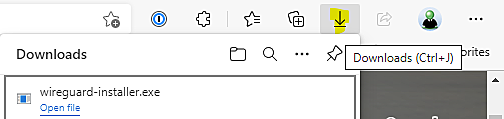
This will automatically download the Wireguard installer, run the file that downloads
Google Chrome - Look down the bottom left of the screen for the following

Microsoft Edge: Look down the top right of the screen for the following
Install WireGuard
Step through the install process, accepting any terms and conditions and leaving all other settings at the default
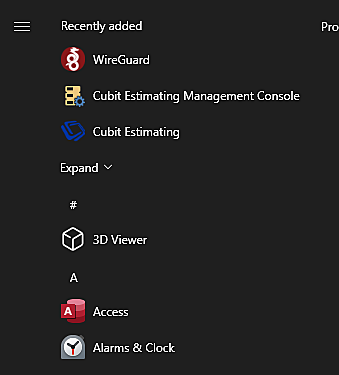
Open WireGuard from the Windows Start Menu